Bottom quick access bar - right half
Right half of the bottom quick access bar gives you access to special craft, amount of Lcoins, amount of adena and equipment switch (basically, developers knew we will oftenly switch between PVE and PVP armor setup. The PVE/PVP armor setup will be explained in the upcoming Inventory part of this series.)

Special Craft
Listen! Special craft can be overwhelming at the very beginning! But I am telling you, take your time and go through it. Each server has the same tabs, but different fees and rewards. It is not possible to write it all down in one guide! What is important - you can craft here the most important items in the game. Also, and I cannot stress this enough - check every single week after the server’s restart, what is new in the Special Craft (this applies for Sienna, Eva and Samurai server). This button is a center (usually) of all server’s events. This is where you really upgrade your toon!
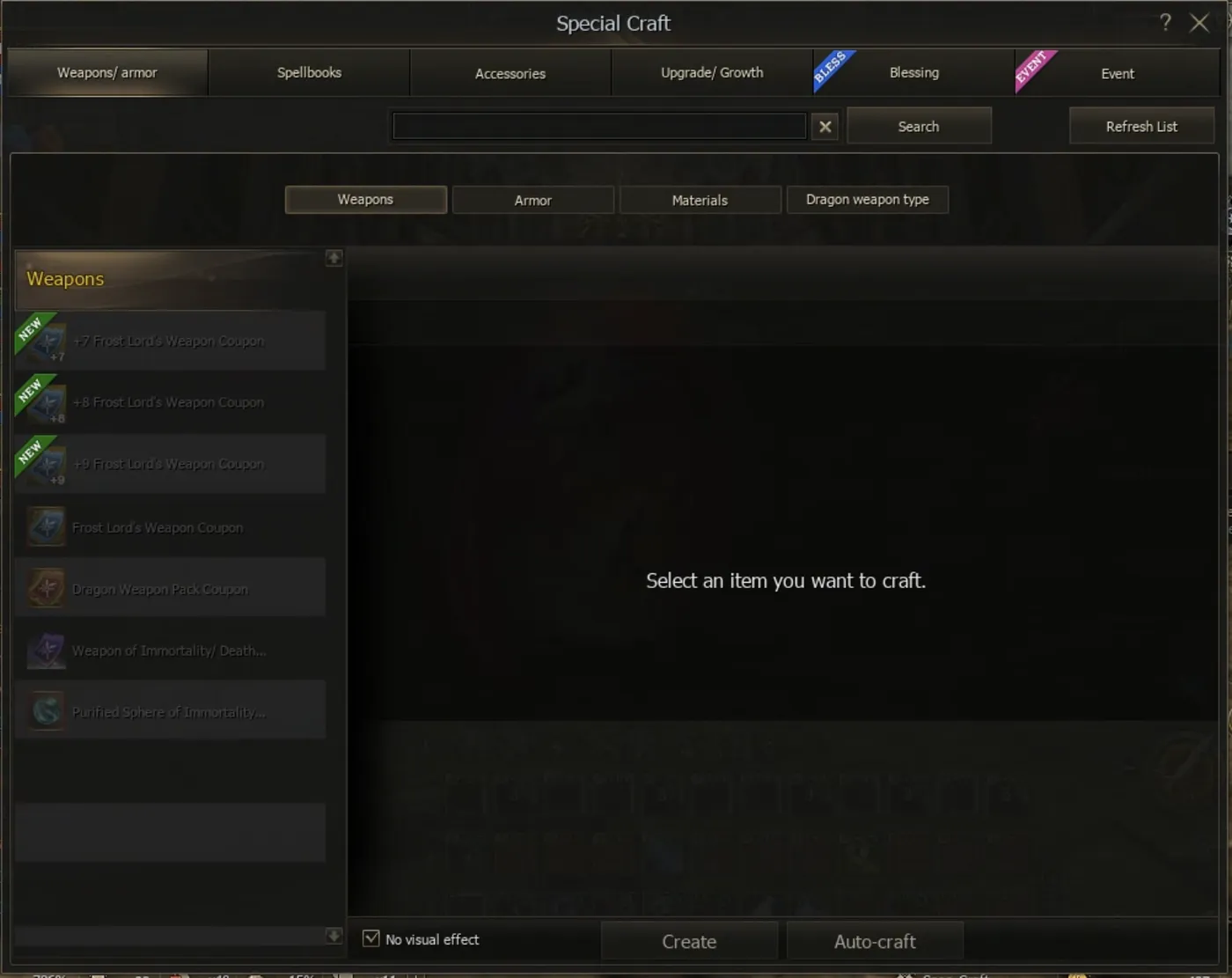
I said it is your task to click through all the tabs and get to know what is inside. Each main tab has sub-tabs. Please, go through it!
Now, let me tell you the most important tabs in the game.
Event
Event tab is a tab where you will be clicking the most. Every 1-2 weeks this tab gets new rewards and opportunities to seriously upgrade your toon. Please, seriously! Check this tab carefully after every restart since this is the tab where the real fun begins!
Upgrade / Growth
In my opinion the 2nd most visited tab for you will be Upgrade / Growth tab. U have access to very important items like enchants, attributes, soul crystals and Dyes! As I said - study this tab carefully.

Accessories & Blessing
Another tab that will be at some point useful for you are Accessories and Blessing. Accessories gives you opportunity to craft very important items. Blessing is also very important and it will be explained in detail in the upcoming Equipment part of this series. For now, there are specific items that you can make “blessed” if you have two identical items +4 and more! Just hang on, I will clarify this perfectly in the upcoming parts.
Lcoins window
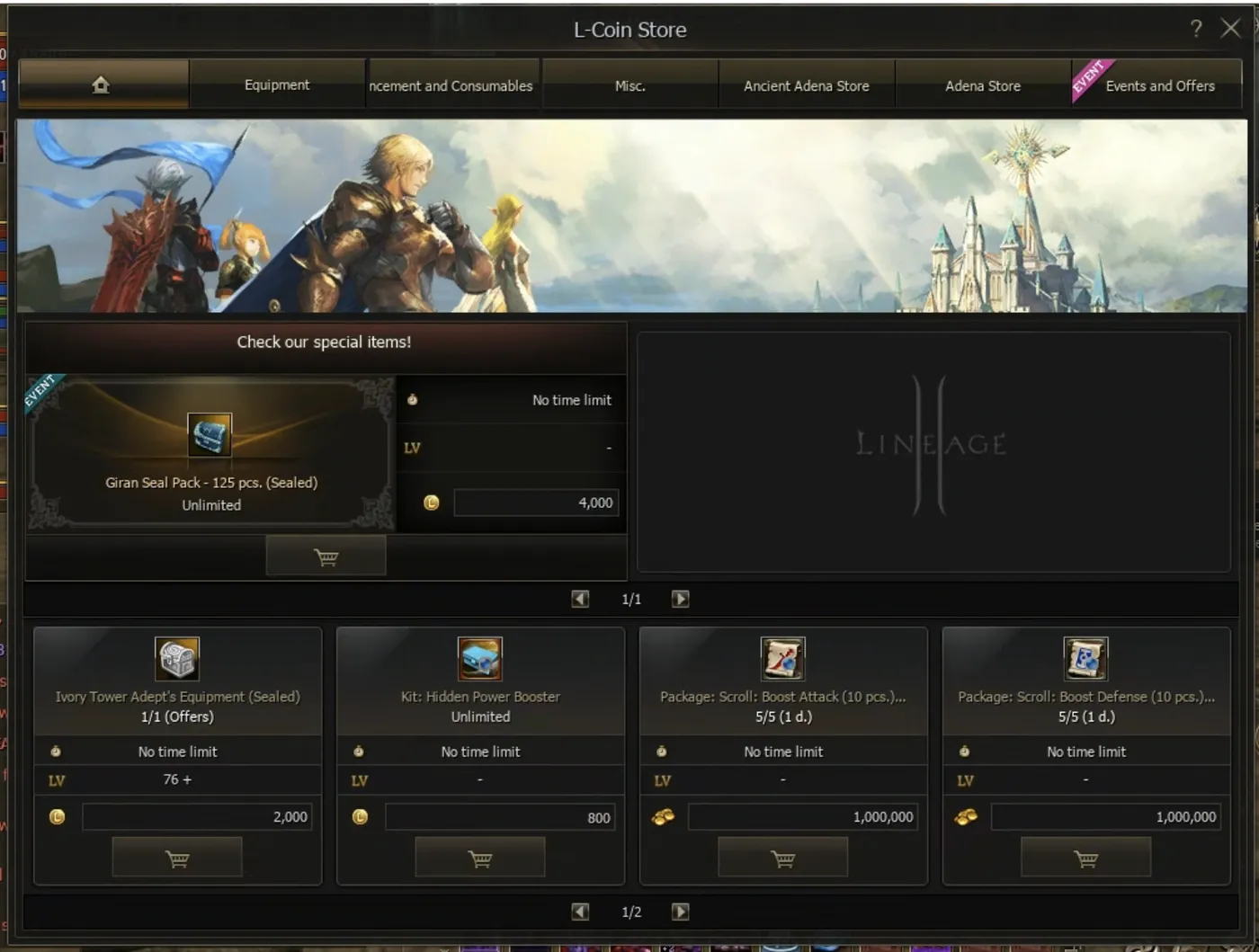
This window is the one that differs completely server from server. On Eva and Samurai - you will see that lcoins window is actually the “adena” window. You can buy (almost) anything there for adena. Some exceptions like Giran Seals are for lcoins. On Sienna however, almost everything is around lcoins and the best items especially related to game of chance are bought for lcoins. This tab also changes almost weekly like the Event tab in the Special Craft so I highly recommend checking this tab every wednesday after restart - no matter the server’s choice!
Adena window
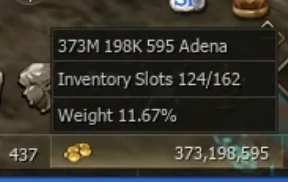
This option will show you the current amount of adena, inventory slots allocation and weight. If you click on it, the inventory window is opened.
Now! I know I should go to the very last icon/button which changes armor setup, but! The inventory is super important and deserves its own part, so this will be perfectly explained in the upcoming Inventory part of this series. We haven’t finished the UI chapter yet!
Main quick access buttons
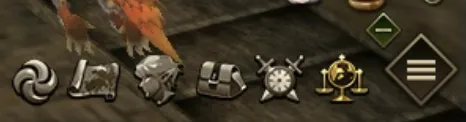
From the image above let’s go from the left:
-
“tornado” icon is quick access to teleport.
-
“Map” icon stand simply for map.
-
“Elf head” icon takes you to your stats (super important, check this often)
-
“Bag” icon opens inventory
-
“Clock with swords” icons opens a window with available instances. An upcoming part of this series will cover the differences between interserver and world zones, and explain the most important info for each instance! Each server works differently here, but worry not, that will be covered too!
-
“Weights and globe” icon stands for World Trade. Each server works differently here too - this will be covered in an upcoming part of this series.
-
“Hamburger” menu opens all what this game offers! Since this one is going to be also very lengthy, it gets its own chapter - Lineage 2 core mechanisms - starting in Part 6!
Side quick access panel
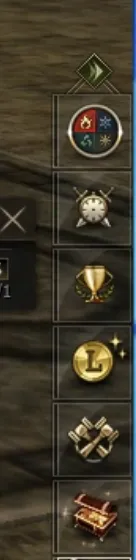
The side quick access panel gives you shortcut to attributes, special instances, ranking, lcoin store, special craft and achievement box. Achievement box is VERY important for new players, since it gives quite nice amount of shots and spirit ores (random reward). For shots, it can give you enough resources for the whole day!
Each of these sections will be covered in detail in the next big chapter - Lineage 2 core mechanisms - starting in Part 6!